01
Send the statement, skip the spreadsheet
OFX, CSV or PDF: Organizi reads it all and sorts it by category.
Sent the same statement twice? Nothing gets duplicated.
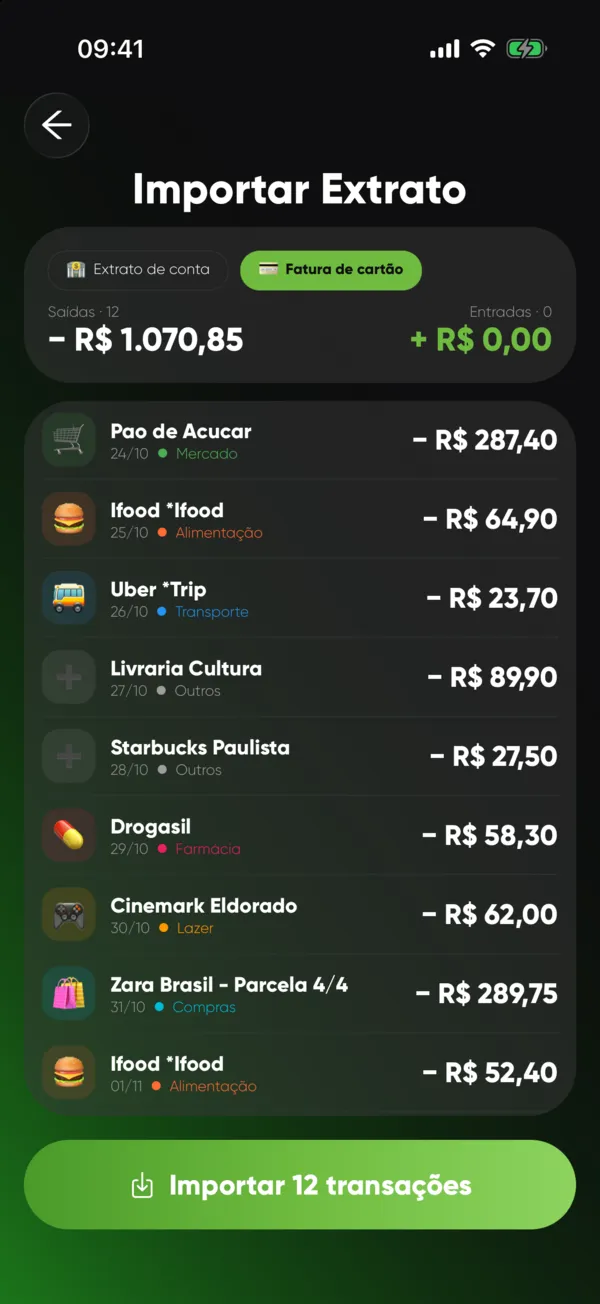
Send your bank statement. Organizi sorts your spending, finds your recurring bills and shows what's still leaving your account.
OFX, CSV or PDF: Organizi reads it all and sorts it by category.
Sent the same statement twice? Nothing gets duplicated.
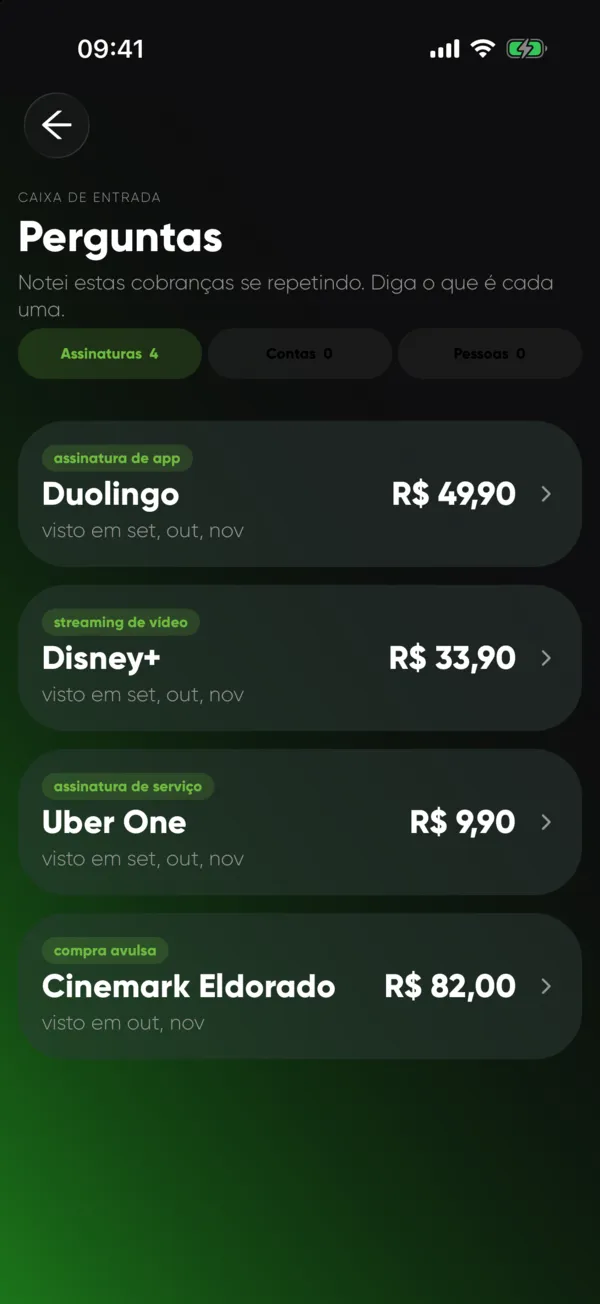
The app finds what repeats in your history and asks what it is.
One tap to confirm, and it all lands in the Planning tab.
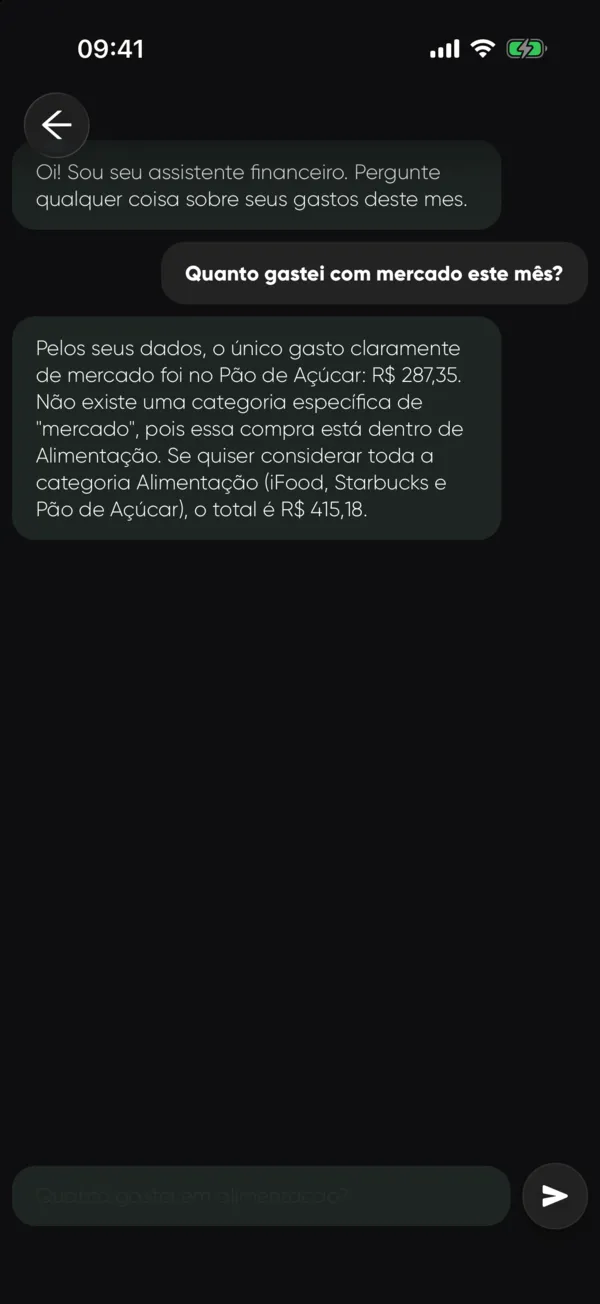
"How much did I spend on groceries?" The answer comes with your own numbers.
And a boleto photo becomes a bill: it reads the due date and amount.
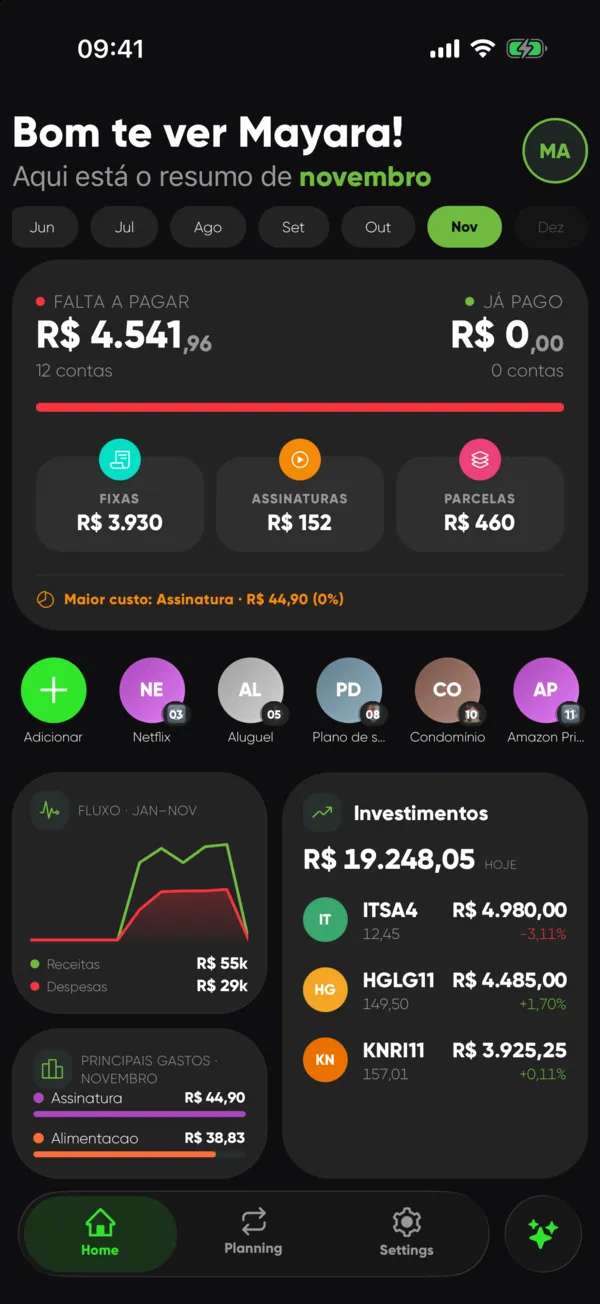
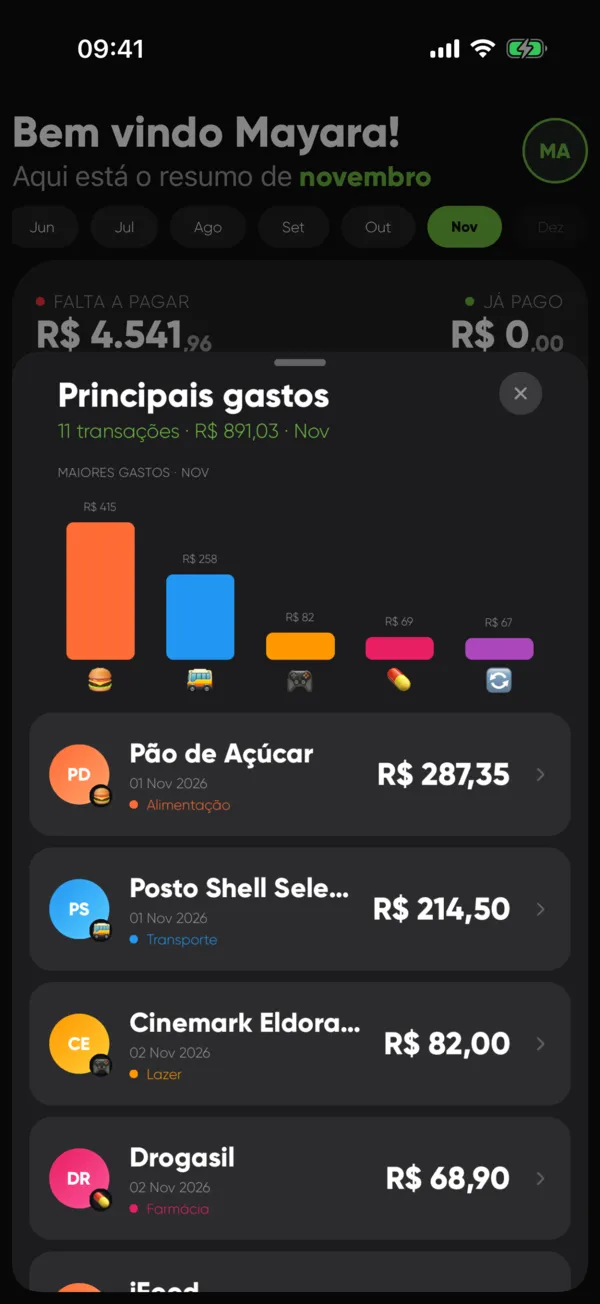
Insights show where your money went, month by month.
Your B3 portfolio sits right next to it, at today's price.
No. Download the statement from your bank's app and send it to Organizi.
OFX, CSV and PDF.
Everything manual is free. AI features (chat, auto categories, suggestions and boleto photos) are part of Organizi with AI, with a free trial.
Nothing repeats. Organizi recognizes what's already been imported.
Yes, with B3 stocks and funds. Prices update daily.